Default Landing Page
If you don't want to build your own page to handle QR Payments like described here, you can use the default one provided by AltaPay - A MarketPay Company.
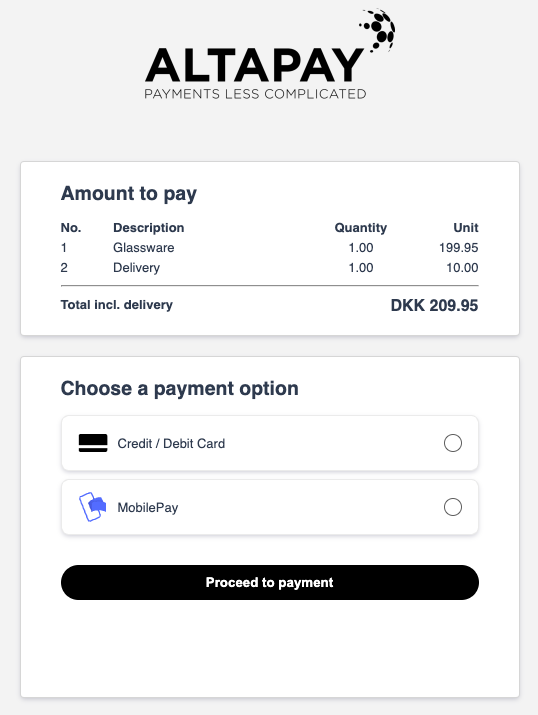
In order to use it, just skip the optional url parameter when creating QR code with AltaPay - A MarketPay Company.
Similarly to previous scenario, you need to call injectQR method, but specify only the HTML element where the QR code will be rendered.
Similarly to previous scenario, you need to make a POST request to /checkout/v1/api/session/{sessionId}/link endpoint with JWT token in the header,
but this time without url parameter.
 curl --location --request POST 'https://{checkout-api-url}.altapaysecure.com/checkout/v1/api/session/{sessionId}/link' \
--header 'Authorization: Bearer $TOKEN' \
--header 'Content-Type: application/json' \
--data '{
    "size": 450
}'
Response will contain id and qrCode field containing QR code image in base64 format, which you can render on your frontend.