Checkout Flow
Demo page
You can test out scenario described below using our demo page
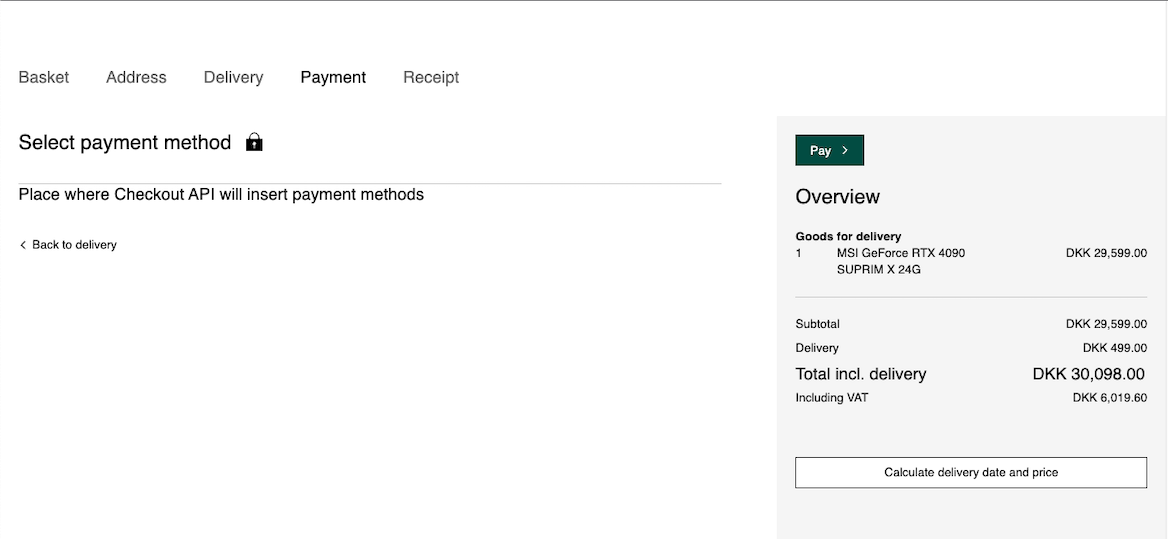
Checkout flow starts when customer finished his/her order and is ready to pay. The merchant directs the customer to the checkout page, where the customer can select the payment method and complete the payment.
The diagram below describes all the actions that are performed during the checkout.
sequenceDiagram
  participant Browser
  participant Merchant
  participant CheckoutAPI
  participant AltaPay

  activate Browser
  Note left of Browser: complete the order
  Browser->>Merchant: order completed
  deactivate Browser

  activate Merchant
  Merchant->>CheckoutAPI: authenticate
  deactivate Merchant

  activate CheckoutAPI
  CheckoutAPI->>Merchant: authentication token
  deactivate CheckoutAPI

  activate Merchant
  Note right of Merchant: init session
  Merchant->>Browser: authentication token /<br> session id
  deactivate Merchant

  activate Browser
  Note left of Browser: inject payment <br> methods
  Browser->>CheckoutAPI: get payment methods
  deactivate Browser

  activate CheckoutAPI
  CheckoutAPI->>Browser: available payment methods
  deactivate CheckoutAPI

  activate Browser
  Note left of Browser: payment methods<br>are rendered
  Note left of Browser: payment method<br>selected
  Browser->>AltaPay: proceed with payment
  deactivate Browser

  activate AltaPay
  Note right of AltaPay: Processing flow <br> started
  deactivate AltaPay
Let's now take a brief look at each step.
Authentication
When the customer is being directed to the checkout page, the merchant should authenticate customer's session by generating a JWT token. Token is used to identify the merchant and the customer's session and should be generated for each customer's session individually.
In order to generate the token, the merchant should send a POST request to the AltaPay API endpoint https://{checkout-api-url}.altapaysecure.com/checkout/v1/api/authenticate.
For more technical details, please check authentication step in the integration guidelines.
Initialize checkout session
Once the token is generated, the merchant is ready to create a new checkout session for the customer. JS SDK or HTTP REST API are available at the moment.
Checkout session must be configured with the order details, such as order amount, order lines, customer details, etc. Additionally, the merchant can configure the callbacks that will be called during the checkout flow.
If you want to learn more on how to configure the session, start from checkout session initialization.
Retrieve payment methods
Once the session is initialized, the merchant can retrieve the list of available payment methods for the customer. This can be done:
- automatically by using our JS SDK, or
- manually by sending a GET request to the AltaPay API endpoint
https://{checkout-api-url}.altapaysecure.com/checkout/v1/api/session/{sessionId}/payment-methodsand then rendered on the merchant's checkout page.
List of methods available for given customer's checkout sessions depends on many things, such as:
- merchant's configuration,
- customer's country,
- order size,
- order currency,
- device used by the customer, etc.
Once payment methods are rendered, the customer can select the payment method and proceed with the payment.

For more technical details, please check payment methods retrieval step in the integration guidelines.
Processing Flow
In order to initiate the payment process, the customer should select the payment method and click on the "Pay" button.
The overview of the payment flow is presented below.
sequenceDiagram
  participant Browser
  participant Merchant
  participant AltaPay
  participant Bank
  activate Browser
  Browser->>AltaPay: proceed with payment
  deactivate Browser
  activate AltaPay
  AltaPay->>Browser: secure payment page
  deactivate AltaPay
  activate Browser
  Browser->>AltaPay: submit credentials
  deactivate Browser
  activate AltaPay
  AltaPay->>Bank: process payment
  deactivate AltaPay
  activate Bank
  Bank->>AltaPay: result
  deactivate Bank
  activate AltaPay
  AltaPay->>Merchant: callback with result
  deactivate AltaPay
  activate Merchant
  Merchant->>AltaPay: success page
  deactivate Merchant
  activate AltaPay
  AltaPay->>Browser: success page
  deactivate AltaPay
For more details about regular payment flow, please refer to the documentation.